Resetting a Password
Creating a secure Password is an important part of any account's security. Sometimes in the grand scheme of things you may need to reset your Password to maintain a good level of security.
These are steps to Reset your Password.
- Go to your AccuEd Connect website.
- At the bottom of the screen under the login button, there will be the words “Forgot Password” highlighted blue.
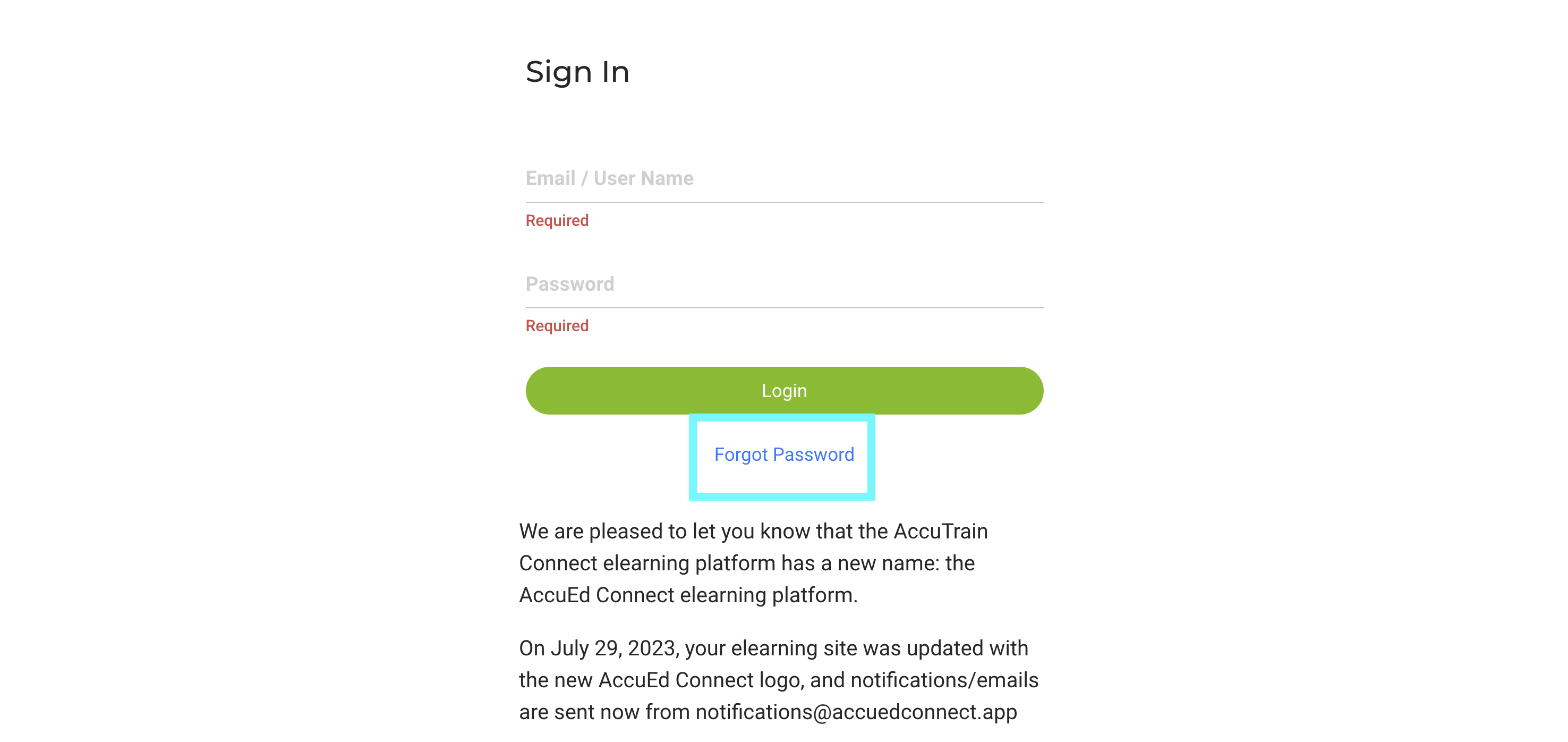
- Click on “Forgot Password”.
- A prompt will appear to type in a Registered Email address.
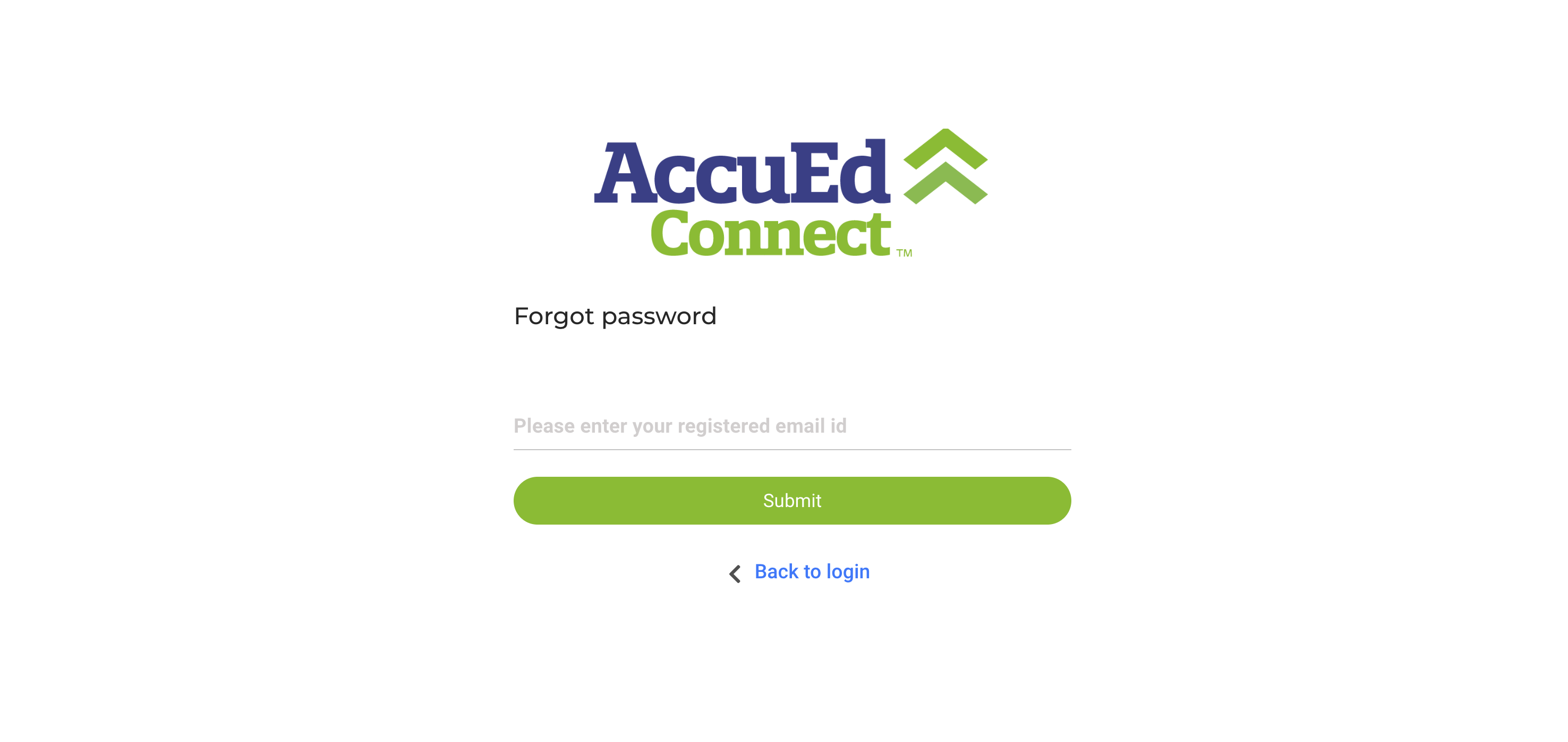
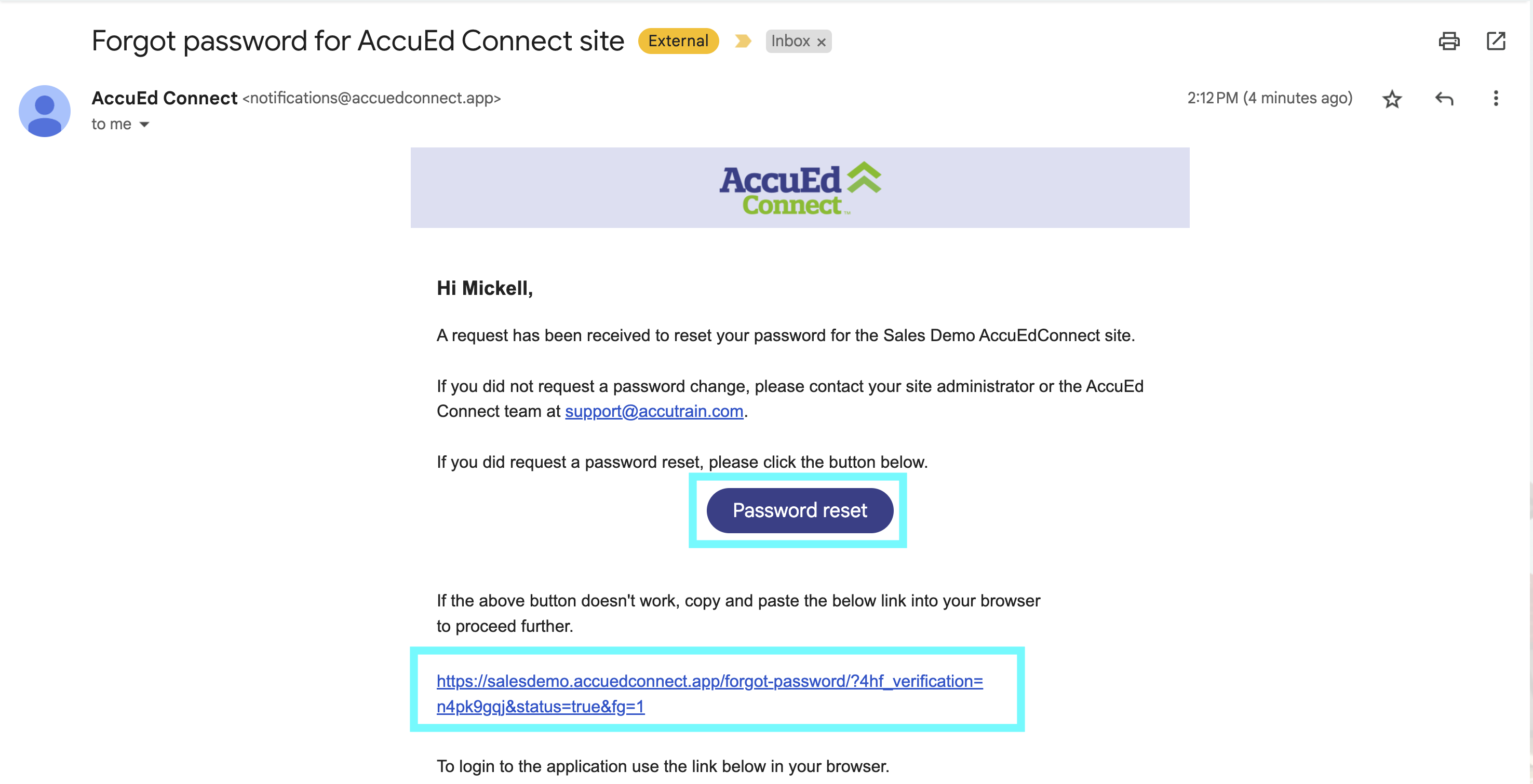
- Once the email address has been typed in, an email will be sent to the address's inbox.
- A button reading Password Reset and a link will appear in the email, click either to be taken to the Password reset screen.
- Type in a new Password twice.
- Login to the school's AccuEd Connect website using the new Password.

If you need any help with this process please email support@accutrain.com for further assistance.
Related Articles
Changing your Password
Updating your password is a easy first step for maintaining high levels of safety. This process allows you to keep all of your information up to date and accurate. Please follow the intructons below to correctly go about this process. 1. Sign into ...Setting Up an AccuEd Connect Account
You must have an account to use an AccuEd Connect site and take training courses. To get one you need to be invited by an Administrator on the site. Invites are sent out via email from "notifications@accuedconnect.app". Upon receiving an invite to an ...How to Create a User List for AccuEd Connect
Create a spreadsheet on Google or Excel with the necessary fields as headers in the specific order. First name, Last name, Username, Password, Email, Role, Location, Department, and Title. The columns for Username, Password, Department, Title, and ...How to Upload a User List
Creating and uploading your User List using our Import feature is a helpful tool that allows a large number people to be added to your site at once. This process speeds up the time it would take to add staff one at a time. If you need to create a ...